About Super Shot 24
Have you ever taken photos on a film camera? When you pick up your envelope of prints, those are photos you’ve never seen before. Anticipation builds towards this moment. You choose your shots carefully, how will they...
Have you ever taken photos on a film camera?
When you pick up your envelope of prints, those are photos you’ve never seen before. Anticipation builds towards this moment. You choose your shots carefully, how will they turn out? That was the definitive moment of your creative work.
It was really an exciting surprise to see all of your photos for the first time as prints!
Now that experience has returned.
The Super Shot 24 goes to extremes to replicate the nostalgia of shooting on a film camera and seeing your photos for the first time ONLY when you pick up your prints.
How to Get a Camera
==============
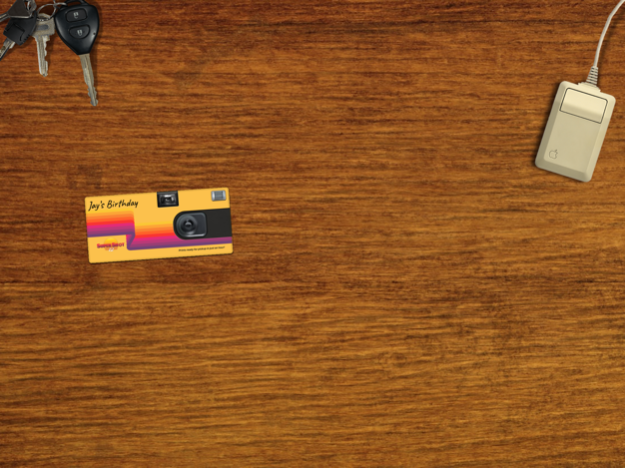
This app is an immersive first-person view that begins at your home. Your keys get you where you need to be.
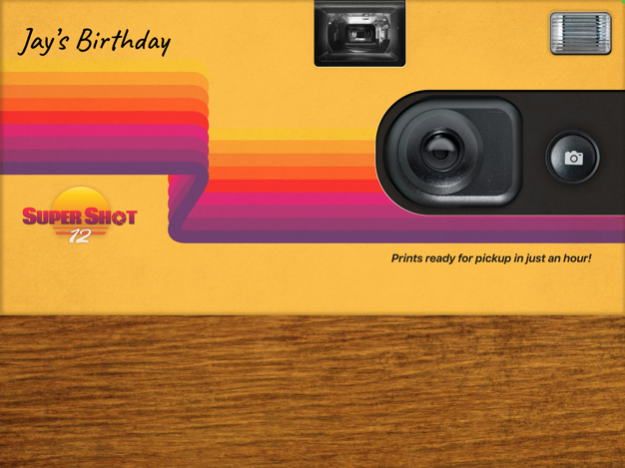
The user must first go to the store to get a disposable camera. There is a free 12 shot camera and a 99¢ 24 shot camera that includes 3 bonus shots!
Just drop it on the checkout conveyor belt to get started.
How to Use a Camera
==============
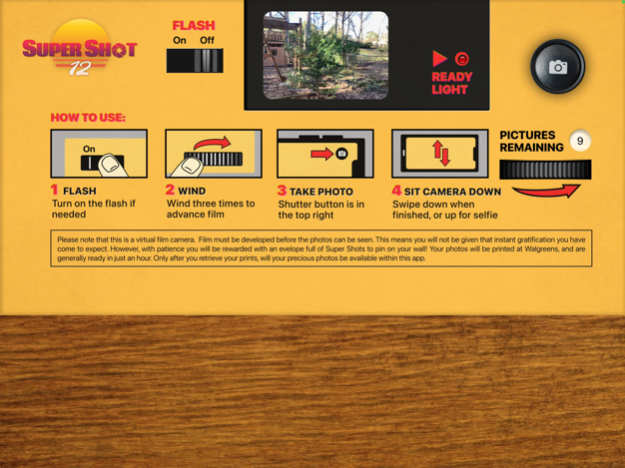
1. Purchase from the store.
2. First touch your camera to give it a name.
3. Swipe the winder three times to shooting.
4. Swipe it down to place it back on your desk.
When a camera is on your desk long press on it to print those photos, delete the camera, share a camera, or rename the camera.
How to Print Your Photos - 3 Ways
==============
• After your roll is complete you will be given the option to print your camera.
• Long press on your camera.
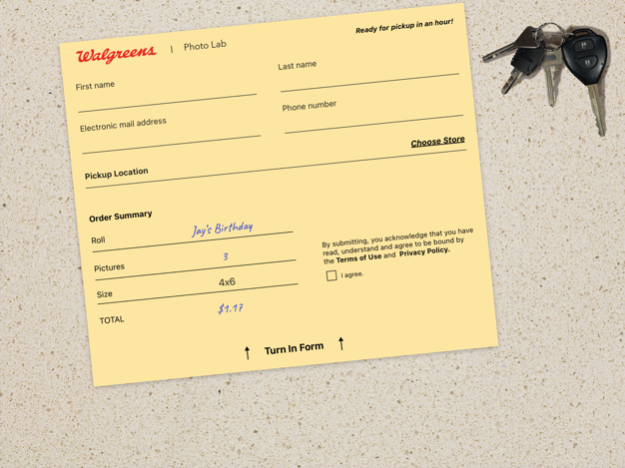
• Use your keys to get to Walgreens. There you can choose a camera to print.
Printing Information
==============
All photo printing is done at Walgreens. Photo prints are 35¢ each and 4x6 in size.
Photos are generally ready in about an hour and should be paid for at the time of pickup at Walgreens.
Will I ever have my photos on my phone?
==============
Yes, but only after you have gotten your prints. The Super Shot 24 is true to the days of print-first-photography.
After your photos are available just click your desktop mouse to see your album.
May 2, 2022
Version 1.1
- Computer screen flow improvement.
- Minor Bug Fixes.
Previous Versions
Here you can find the changelog of Super Shot 24 since it was posted on our website on 2024-07-02 20:57:57.
The latest version is 1.1 and it was updated on 2026-10-08 01:24:37. See below the changes in each version.
Super Shot 24 version 1.1
Updated At: 2022-05-02
Changes: May 2, 2022
Version 1.1
- Computer screen flow improvement.
- Minor Bug Fixes.
Disclaimer
Official App Store Link
We do not host Super Shot 24 on our servers. We did not scan it for viruses, adware, spyware or other type of malware. This app is hosted by Apple and passed their terms and conditions to be listed there. We recommend caution when installing it.
The App Store link for Super Shot 24 is provided to you by apps112.com without any warranties, representations or guarantees of any kind, so access it at your own risk.
If you have questions regarding this particular app contact the publisher directly. For questions about the functionalities of apps112.com contact us.